
Attached ZIP file contains sample csv files which you can use as a starting point to import data into SQL-Ledger. On our enhanced version, you can see related sample file on all import screens. But if you are using official SQL-Ledger package, these are not there and these samples will help you get started.
Month: January 2024
Sometimes you need to create a new dataset with exact same customers, vendors, items, chart etc. from an existing dataset.
There are two ways to do that:
- Create a blank data set, export data from existing data and then import it again in the new dataset using Import feature.
- Create new dataset using existing dataset as template and make adjustments.
Below I am describing second method step-by-step as gives you more accurate final results avoiding all data import issues. You need to be familiar with Linux command line as well as PostgreSQL’s psql command line too.
- First create new dataset using admin.pl so that new admin user is added in users/members file as well as templates folder is created. Selection of chart etc. during creation does not matter as we shall remove this database and will create again making copy of existing one.
- Remove the database you created above using “dropdb -U sql-ledger your-new-dbname”
- Recreate new database using existing database as template: “createdb -U sql-ledger your-new-dbname -T your-existing-dbname”
- Remove transactions from newly clone database using these psql commands: “delete from ar; delete from ap; delete from gl; delete from oe; delete from invoice; delete from inventory; delete from dpt_trans; delete from acc_trans; delete from audittrail; delete from payment;”
- Reset document numbers in System–Defaults menu.
As always, backup everything first. If you run into any problem, you can post your issue in our support forum referencing this post to get help.
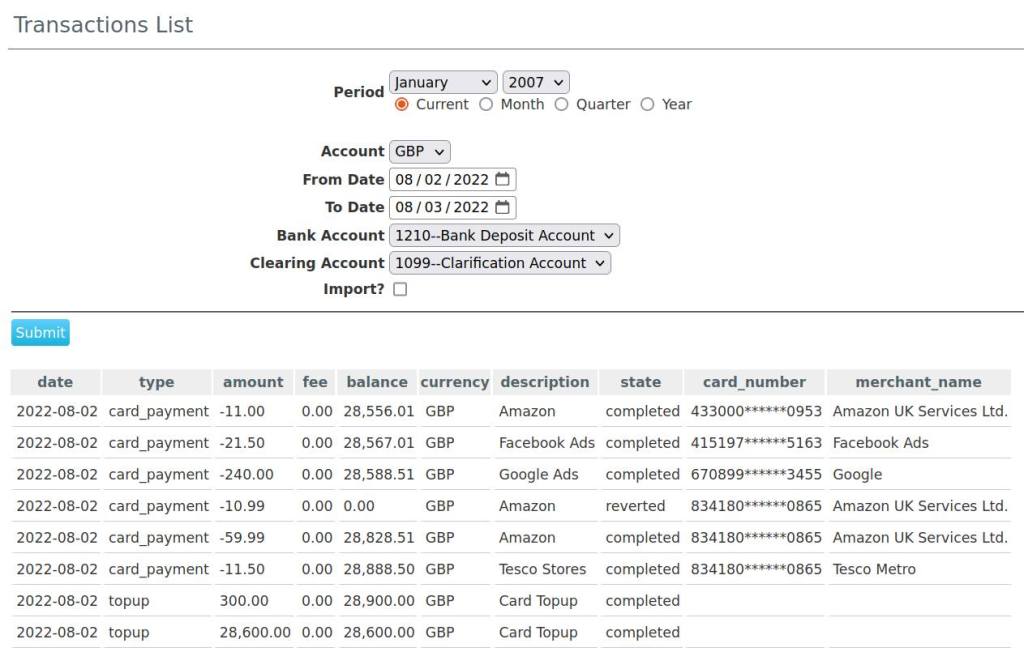
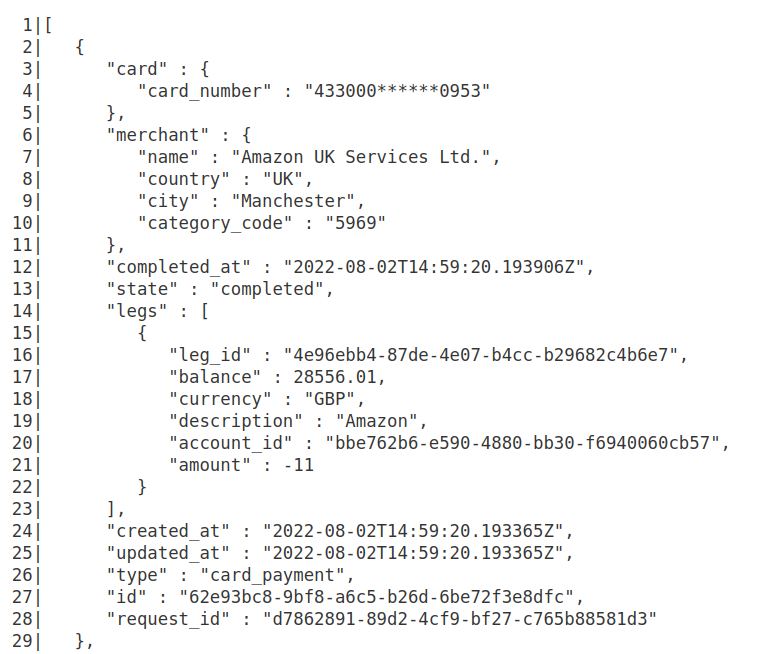
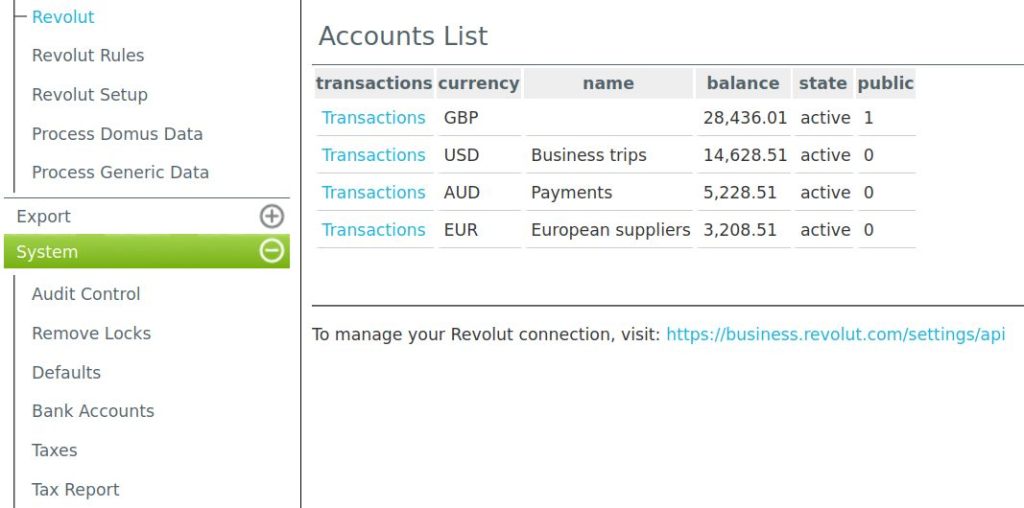
Our revolut module allows your to integrate and import transactions from your Revolut bank account into GL transactions This module also a rules engine where you can create rules based on meta data of existing transactions. Once rules are created all future transaction imports are debited/credited into correct accounts saving you the time to do the accounting for these transactions.

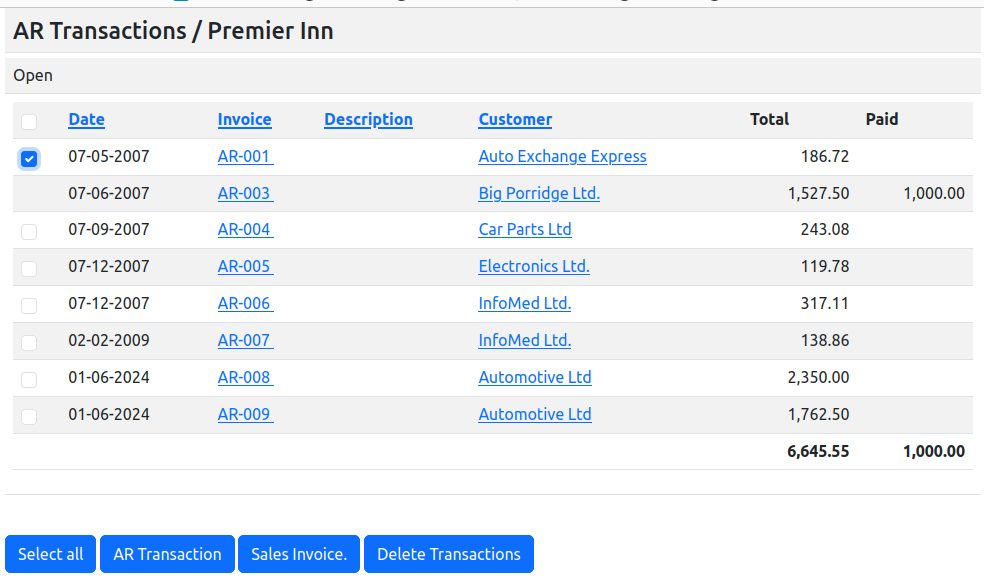
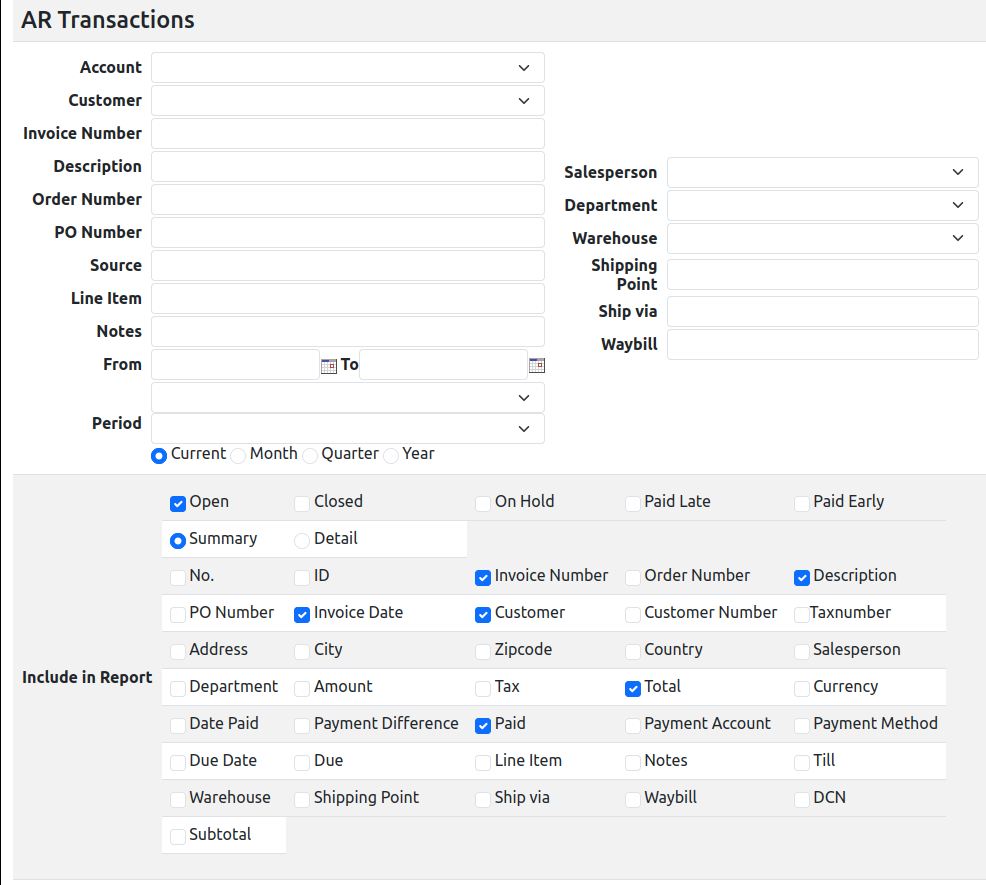
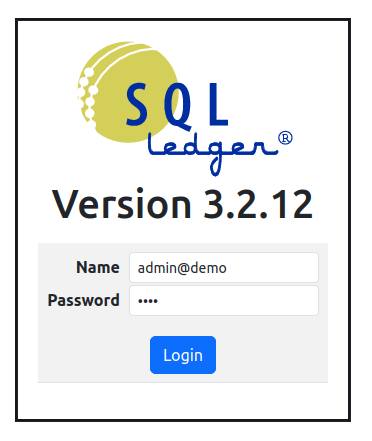
We have recently updated our SQL-Ledger installation with latest version of Bootstrap (5.3.1 at the time of this writing), a popular CSS framework. It provides two major benefits:
- A modern application look and feel. No more complains from your users that SQL-Ledger design is old.
- Responsive behavior of forms and reports so that now SQL-Ledger works much better on mobile devices and tablets.
Since SQL-Ledger user interface is not template driven and is generated directly from Perl code, we had to make several changes to the code to generate html better suited for Bootstrap styles. But all this effort has paid off and our users are very happy with new look and feel.
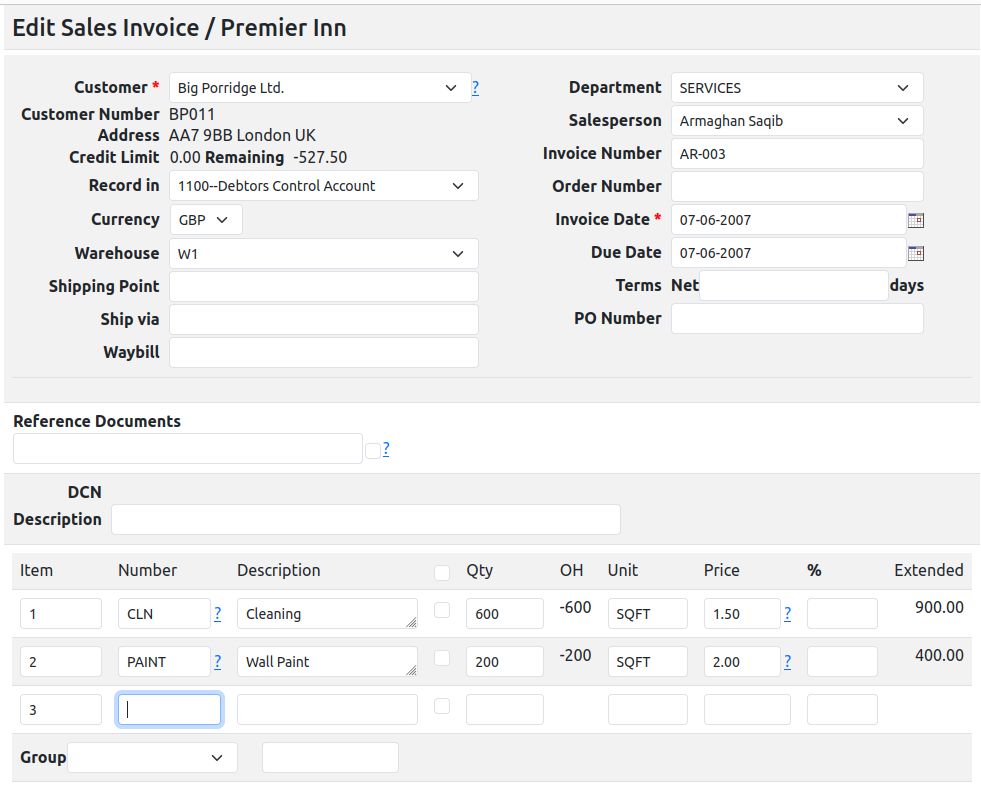
Here are few screen shots after Bootstrap 5.3.1 upgrade:

Ledger123.com’s website and blog were long overdue for update. So what could be better time than a new year to do that? No further delays.
Thank you for visiting us.
 Ledger123.com